

Mer från
Get started
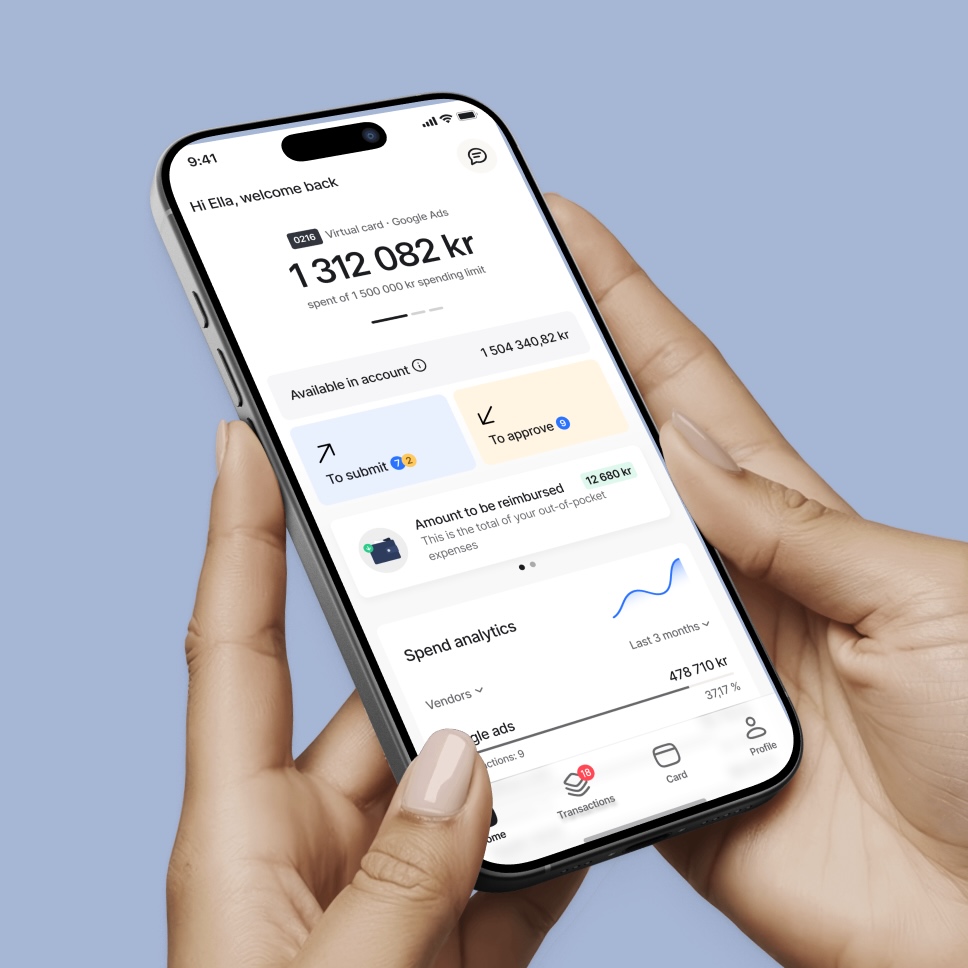
Once you have got started on our website and ordered your Mynt cards, it is time to download the app. It is important to have the app so that you and your employees can get the most out of your Mynt cards! The first step is to download the app.
Download the Mynt app
Click here for iPhone. Click here for Android.
Use Mynt in Apple Pay or Google Pay for convenient payments.
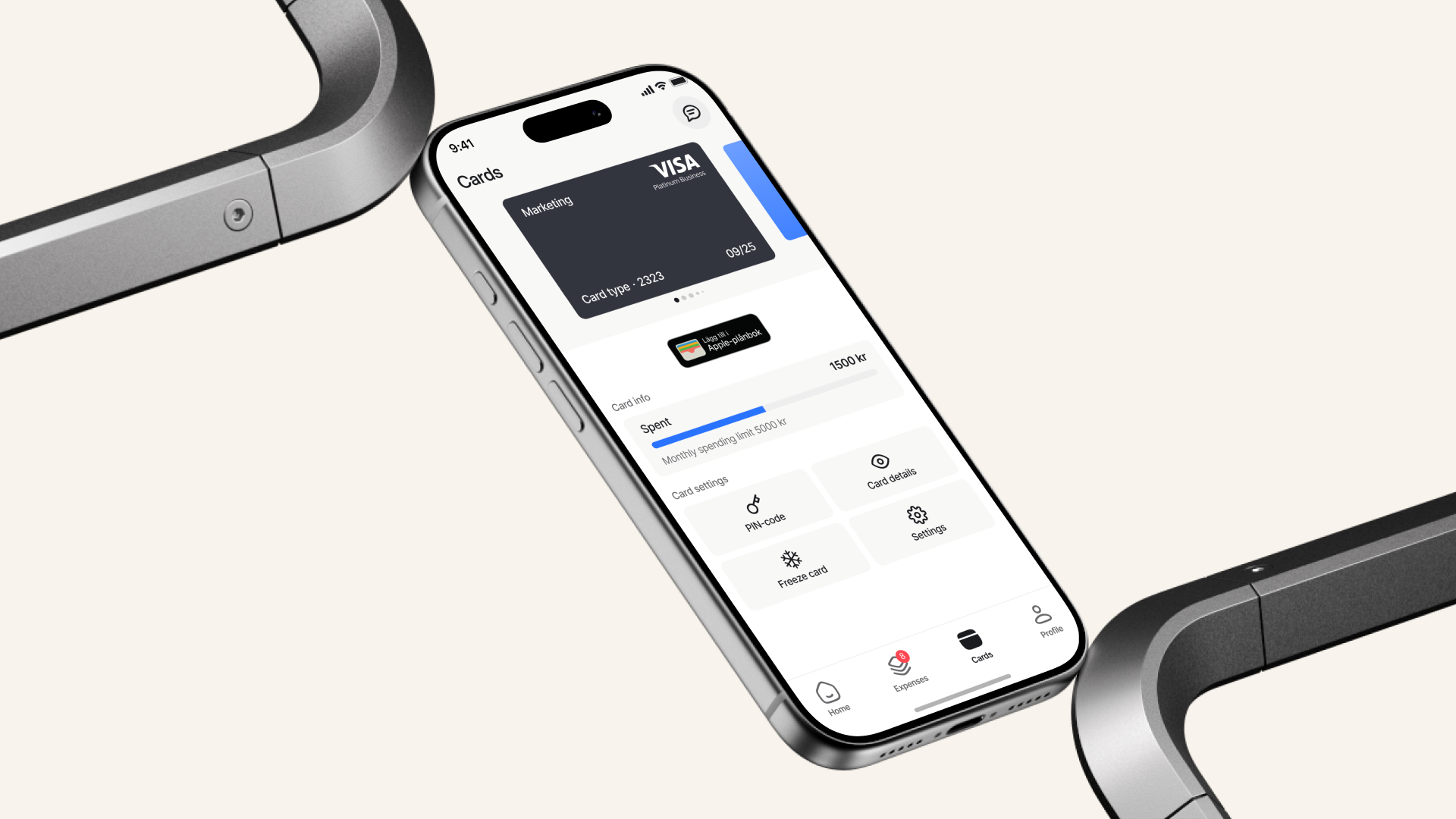
How to use Mynt on your mobile phone
Settings
- Access your PIN code
- Freeze your cards if you lose them
Card information
- View card purchase limits
- View available balance on your Mynt account
- Access your virtual card information
Verify and categorise purchases
- Verify online purchases
- Categorise transactions
- View transactions in real time
Receipt management
- Push notification asking you to photograph receipts
- With the app, you can photograph and upload receipts immediately after purchase
- Submit purchases for approval
Expense management
- Add private expenses by creating a new expense. Upload the receipt for your private expense and submit it for approval
- Add expenses for subsistence allowance
- Add expenses for mileage allowance
Use Mynt in Apple Pay or Google Pay for convenient payments.