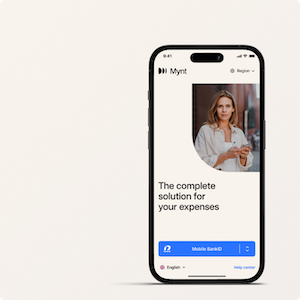


Pay with your Mynt corporate card. Choose between paying with your physical card or with Apple/Google Pay. Make sure to download the Mynt app before you start shopping.
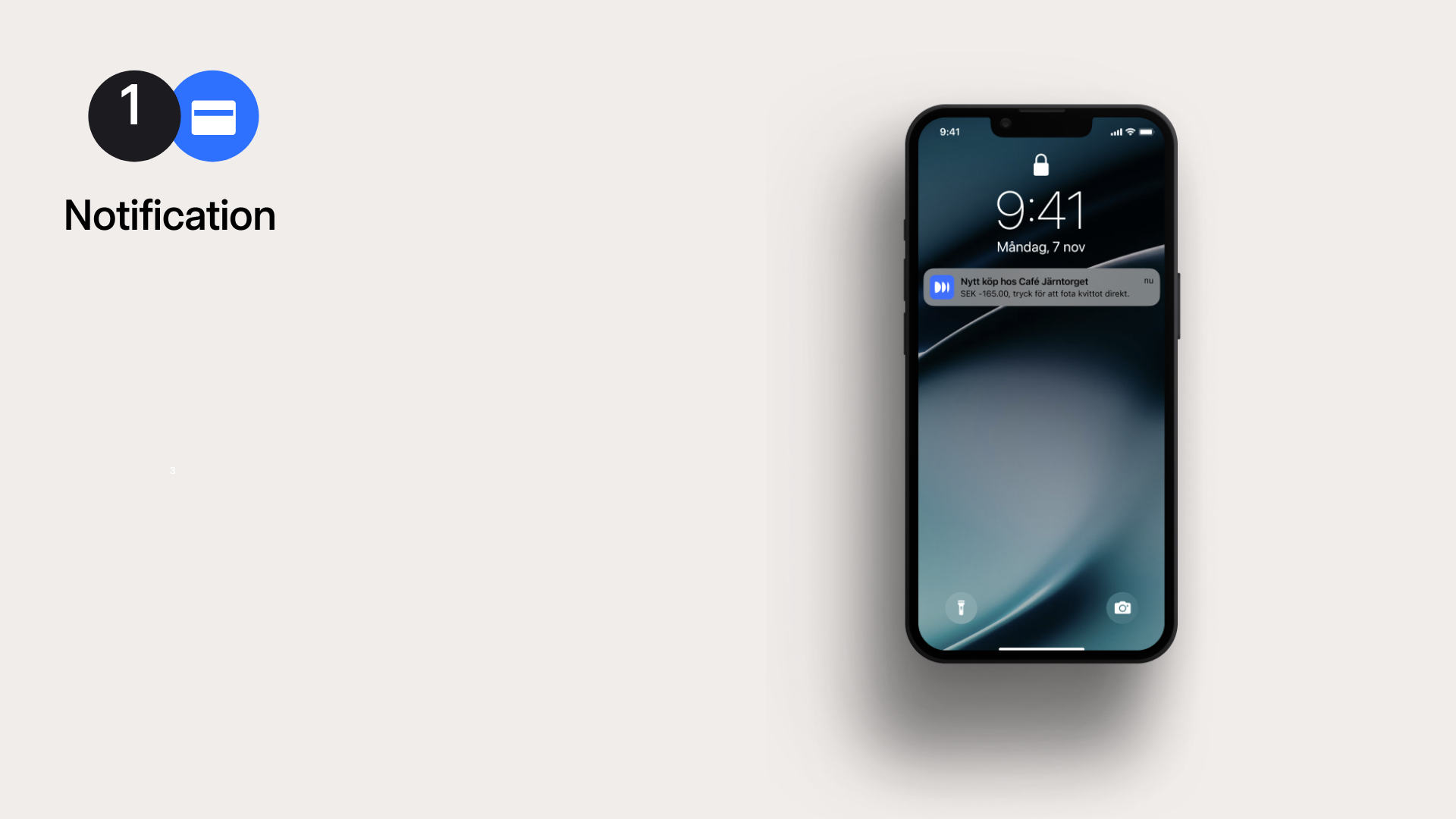
1. Push notification after transaction
As soon as you make a purchase, you will receive a push notification on your phone. Clicking on the notification opens the app and takes you directly to your transaction.
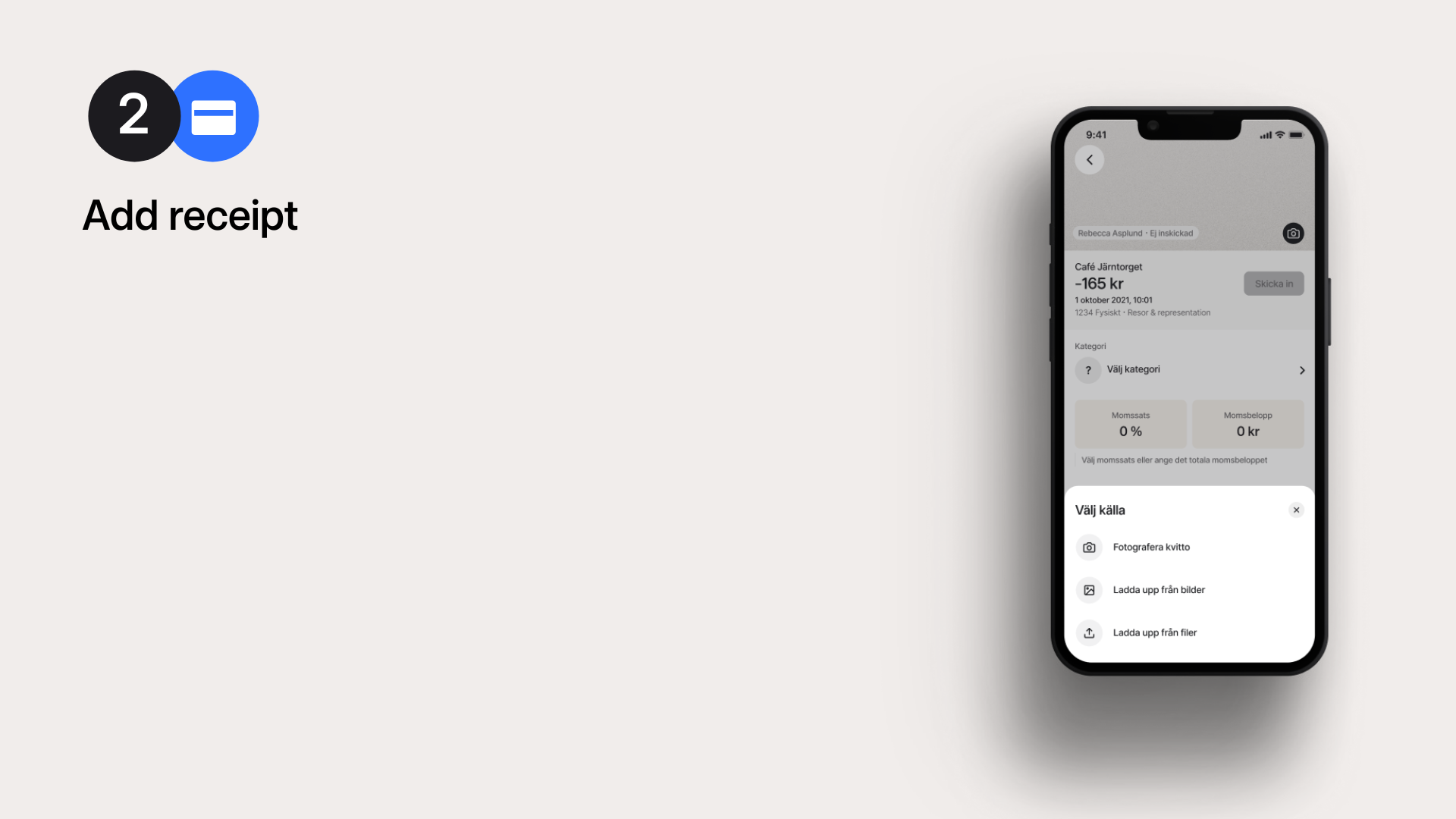
2. Add receipt
You can now add your receipt in the app. There are several ways to do this, but the most common is to photograph it with your mobile phone. The app then scans the receipt and reads in details such as the amount and VAT.
In some shops and restaurants, the receipt is retrieved directly from the retailer. This means you don't have to photograph it at all.
3. Add category
Before you can submit your purchase, you must select a category. The categories are set up by your company administrator. Some categories, such as entertainment, require you to specify participants. Click on the category that applies to your purchase.

4. Submit the transaction
Now you are ready to submit the transaction! Your transaction will then be reviewed for approval.