

What is mass export?
Mass export is a feature in Mynt that allows you to export all your transactions at once. It is a smart feature that saves you from having to export them one by one. This saves time and makes it easier to keep your accounts up to date.
How do I export all transactions?
To bulk export transactions in Mynt, do the following:
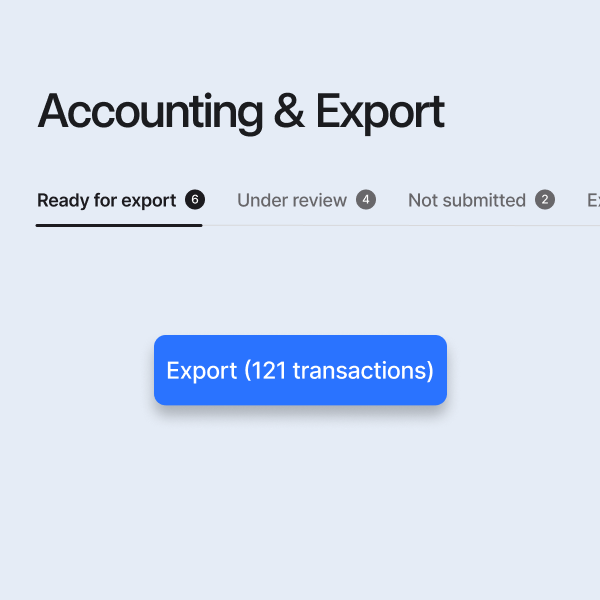
- Go to the ‘Accounting & Export’ tab.
- Select the transactions you want to export – or select all transactions.
- Click on ‘Export’.
All selected transactions will then be sent directly to your accounting system.
Why do transactions get stuck during export?
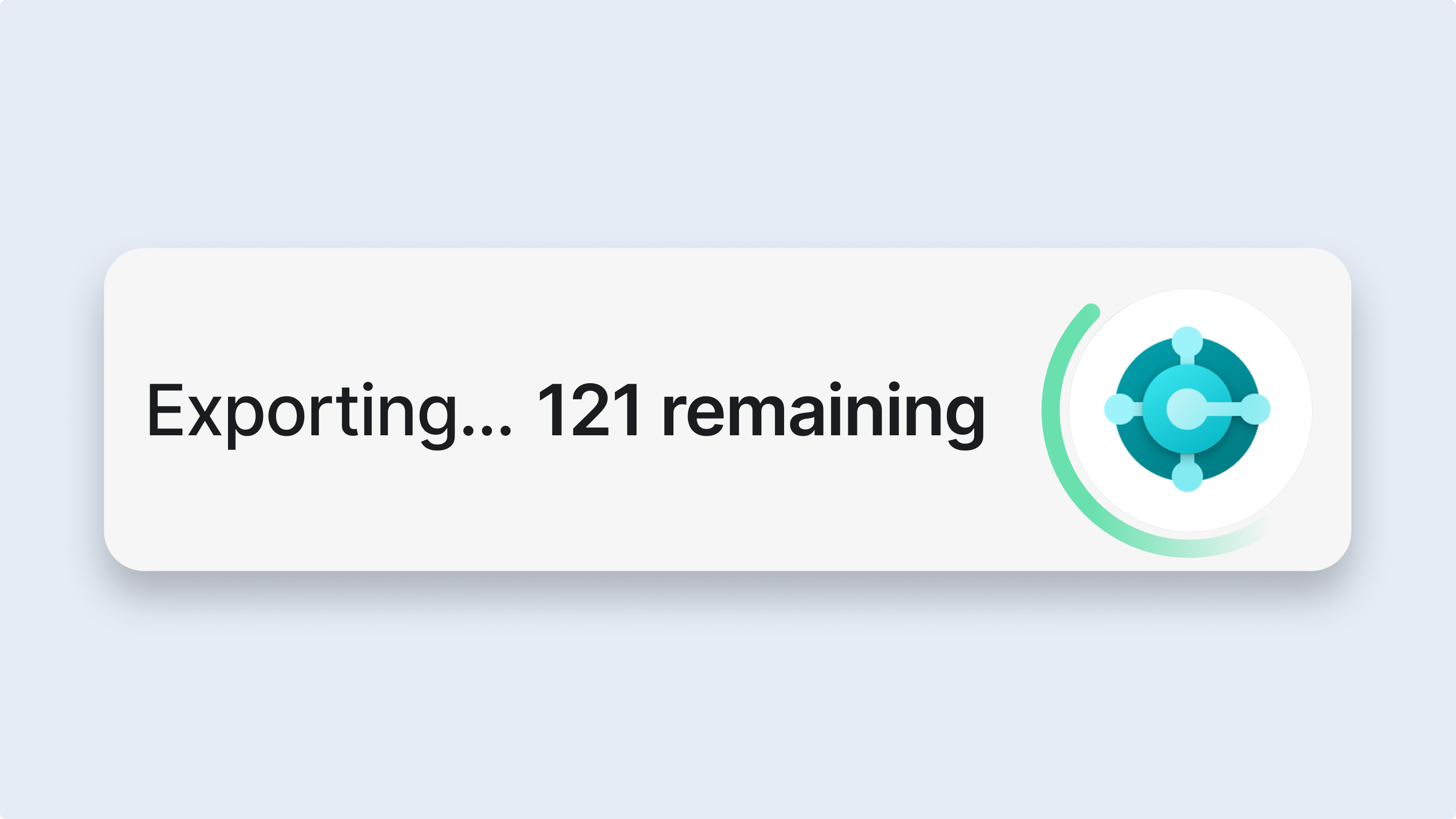
If a transaction does not go through or if the export seems to get stuck (for example, if the system just spins), it may be because the accounting system is returning an error message. Here's how to fix it:
- Cancel the export
- Click on the spinning icon and select ‘Cancel’.
- Export a single transaction
- Click on the transaction that got stuck.
- In the panel on the right, you will see more information about the transaction.
- Click on the blue button ‘Export’.
- Check the error message
- An error message from your accounting system will appear, explaining why the transaction could not be exported.
- Once you have corrected the error, you can try exporting again.
Frequently asked questions
Can I export multiple times?
Yes, you can try exporting again after you have resolved the error.
Why do I see different error messages?
The error messages come directly from your accounting system and may vary depending on the system's rules and requirements.
Need more help?
If the problem persists even after you have followed the steps above, please contact our customer service and we will help you further.
FAQ Mynt bulk export
How do I export all transactions in Mynt?
Go to the ‘Accounting & Export’ tab, select the transactions you want to export (or all of them), and click ‘Export’.
Why do transactions get stuck when exporting in Mynt?
If the export gets stuck, it is usually due to an error message from your accounting system. Cancel the export, open the transaction and try to export it again after you have corrected the error.
Can I export transactions multiple times?
Yes, you can always try to export again after the error has been resolved.
Where can I see why a transaction could not be exported?
The cause of the error is displayed directly in a message from your accounting system when you try to export an individual transaction.