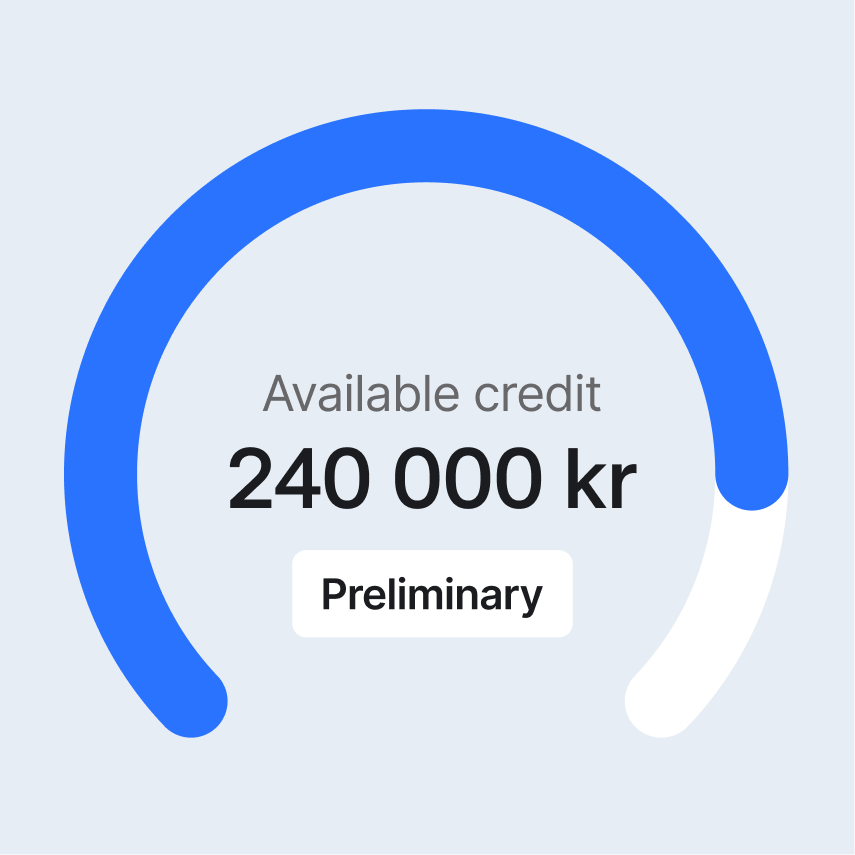


As an administrator, you can apply for credit once your company has become a Mynt customer.
Apply for credit: How to do it
- Log in to Mynt
- Navigate to Account and select the Credit tab
- Click on the Apply for Credit button
Your application will be processed and once it has been approved, you can see how much credit you have in the Account tab.
How to increase your credit limit
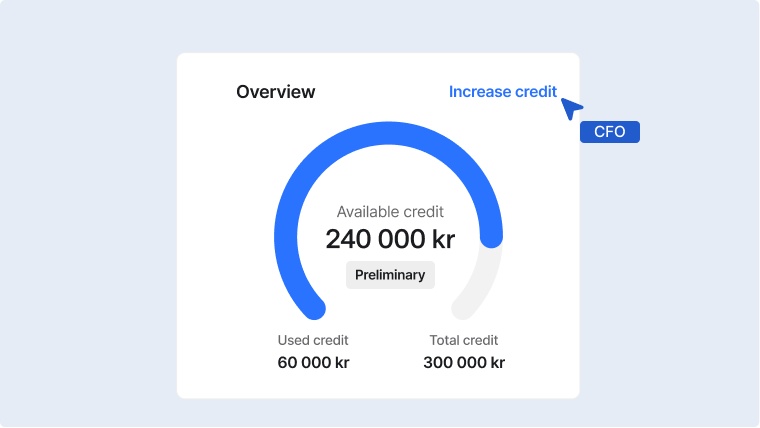
Have you decided that you need to increase your credit limit? No problem! It's easy to apply for a higher credit limit directly in the platform.
Follow these steps to apply for a higher credit limit:
- Log in to Mynt
- Navigate to Account and select the Credit tab
- Click on the button that says Apply for increase
- Wait for your credit increase to be approved – done!
Type image caption here (optional)
Frequently asked questions about credit at Mynt
When do we pay for the credit and how often?
You can choose how often you want to repay the credit depending on your Mynt price plan. See all price plans here.
How much credit can we have on our company cards?
At Mynt, you can get higher credit compared to other providers, and you can also tailor the credit to your needs. Flexible and smart! You can apply for as much credit as you want (up to 25 million), but your approved credit is determined based on several variables. Please contact us if you have any questions about credit limits.
Is the credit free?
Mynt's credit is very cost-effective, but not completely free. Read more about the cost of credit here.
Is Mynt a credit card?
Mynt can be used as both a debit card and a credit card for businesses, depending on how you want to finance your expenses. This means that you can also use Mynt without credit by adding money from your bank account.