

How to add users in Mynt
To get started with Mynt, your company's employees need to have a user profile.
Follow these steps to add users:
- Log in to Mynt in your browser
- Go to Teams & cards
- Click on the Add user button
- Fill in the form
- Select the user's role
The added person will now receive an email with instructions on how to complete their registration.

Order cards for the team
After you have invited users to Mynt, you can choose which cards they will have access to. Choose between virtual and physical cards. Virtual cards can be used as soon as the account is approved. Both card types can be added to your mobile phone for Apple Pay or Google Pay.
- Select card type
- Name the card
- Set a monthly purchase limit
Select user role
Below, we go through the different user roles and their permissions in Mynt.
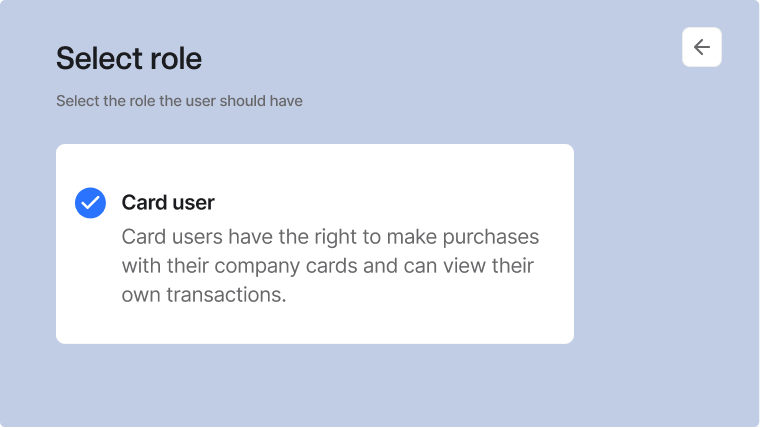
Card user
- Can make purchases, manage receipts and add expenses
- Card users can see their purchase limit
- Can only see their own transactions
Accountant
- Access to accounting functions
- See all transactions
- Cannot order cards or have their own cards
Administrator
- Full access to the entire system
- Configure users
- Order cards
- View all transactions
- Have own cards
Frequently asked questions
How long is the delivery time for company cards?
Mynt cards have a short delivery time. After the company administrator has ordered the cards, it takes between 3 and 5 working days for them to arrive.
Where are the cards sent?
The cards are automatically sent to the company's address. If you would like them to be delivered to a different address, you can specify this in your account.
How do we add money to the cards?
Mynt can be used as both a debit and credit card.