
Automated invoice management
Manage supplier invoices directly in Mynt. We scan, code, and approve them using AI – you export to Fortnox in one click. All in the same platform where your cards and expenses already live.
From inbox to coded
Using templates, Mynt Intelligence can code and allocate line items to the correct accounts, cost centers, and projects.

1. Data collection

2. Posting

3. Export
The full flow
Check for duplicates, supplier matching, and multi-step approval. We catch errors before they’re posted.

Pick up the pace
AI and automation take the invoice all the way through. From inbox to coded, no pauses.
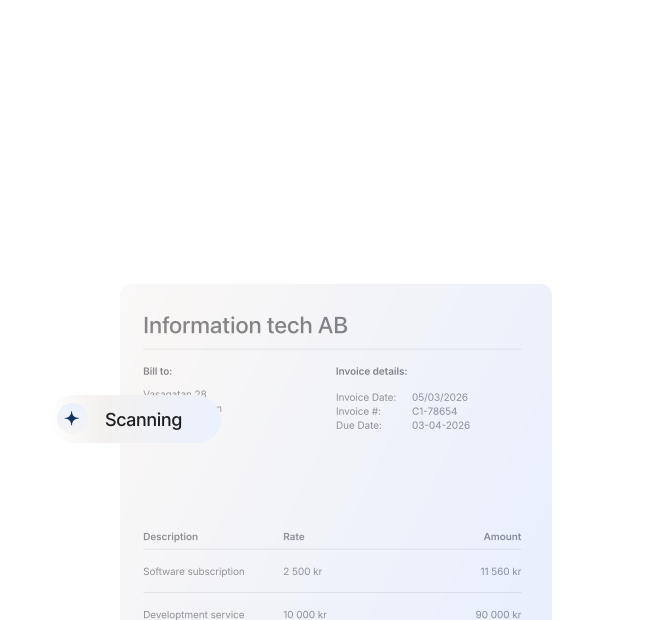
Stay in control
The same approval engine you already use. Driven by amount limits, projects and cost centres.
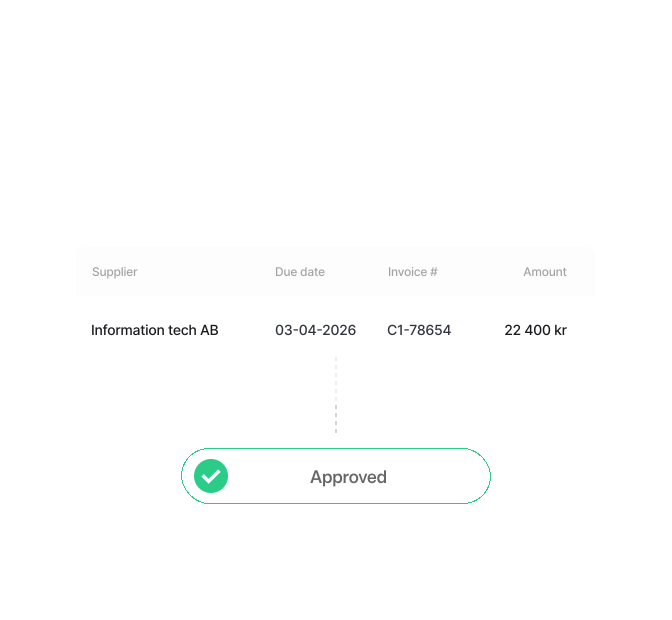
Fully synchronized with your accounting system
Changes in Mynt land in Fortnox. And the other way around. In real time.

Automated cost allocation
Give Mynt Intelligence the instructions with flexible variables. Put all service-related costs on one account and all goods on another, and see how Mynt splits the line items onto the right row automatically.
Templates at supplier level
Templates define how invoices from each supplier should be coded: accounts, cost centers and projects. The template kicks in automatically the next time that supplier sends an invoice.
Invoices in your accounting system sit there. Invoices in Mynt get approved.
Stop chasing approvers in systems they never ope. Manage cards, expenses and invoices where the work already happens.


Connected to Fortnox

Automated with
Mynt Intelligence (AI)

Powerful approvals

Included in all price plans
Mynt Intelligence reads between the lines
Using templates, Mynt Intelligence can post and allocate line items to the correct accounts, cost centers, and projects.

For the employee
Send in an invoice and keep working
Upload the PDF, or use the app. Mynt handles the rest. No forms to fill in.
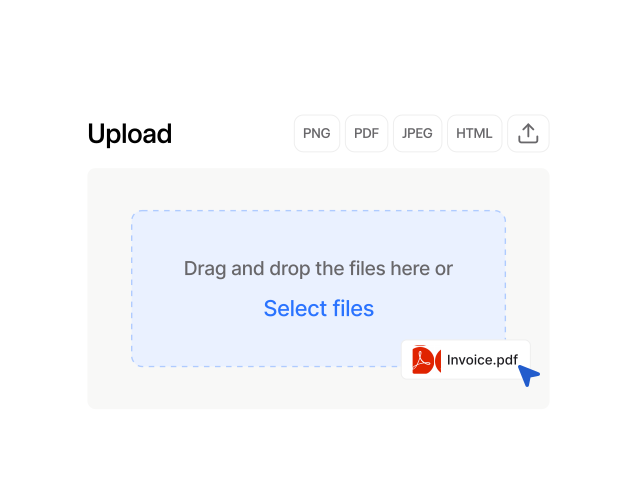
For the manager
Approve with one tap on your phone
All the context on one page – supplier, amount, account code and previous invoices from the same counterparty. Done.
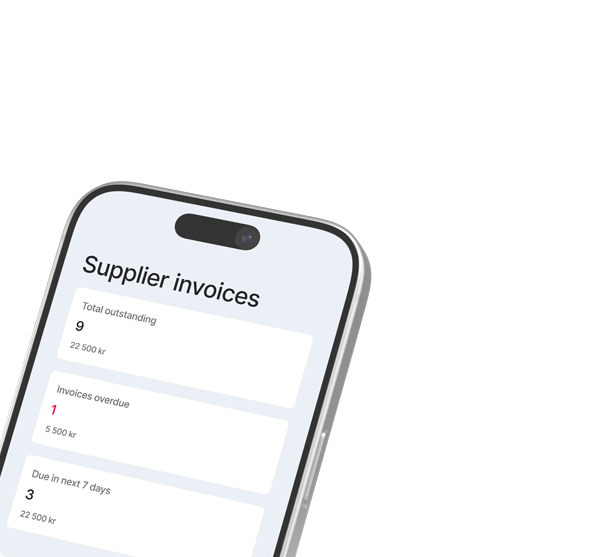
For the finance team
Faster closes, less troubleshooting
AI scanning & journal entry posting, templates and one-click export to Fortnox. Zero manual entry.

How do we get invoices into Mynt?
Three ways: connect your inbox to Mynt for automatic pickup, forward supplier invoices from your email, or drag and drop PDFs straight into the platform.
Can we pay supplier invoices directly in Mynt?
Not yet. Currently, you post and approve payments in Mynt, and the actual payment is made through your bank or in Fortnox. Direct payment in Mynt is in the works and will be available as an add-on.
Does invoice management in Mynt cost extra?
No. Invoice management is included in your existing Mynt Premium subscription.
Which accounting systems do you support?
Right now we support Fortnox. More accounting integrations are a priority for 2026.
How are the approval rules set up?
In the same way and within the same workflow as for cards and expenses. You can set spending limits, multi-step approvals, projects, and cost centers under the “Teams” tab. All through the same admin view you already know.
What does the AI do with my invoice?
Mynt Intelligence reads the supplier, amount, VAT, OCR number, and due date, matches them to the correct supplier, and suggests the correct account based on your template. You always have the final word at approval.
What does automated invoice management mean?
Automated invoice processing means that invoices are retrieved, interpreted, and posted without any manual intervention. AI handles it all in the background, so you can focus on what actually creates value for the business.
FAQ
Answers to the most common questions about invoice management in Mynt.

Get Mynt today
Choose the all-in-one solution for your company expenses – with cards that work with your existing accounting platform.
